File Menu:
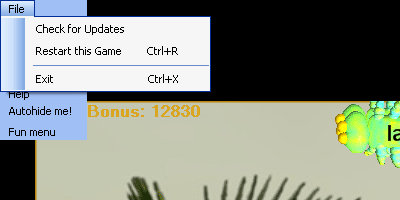
The program 'File Menu' lets you manually check for updates (see if the program version you are running is the most current), restart the current game or exit the program entirely.
File Menu:
When you choose 'Restart this Game' the game is reset according to the starting parameters defined in the Basic or Advanced Options dialogs. According to those settings you will start again with the starting number of frogs you have chosen in the game options dialogs and your score will be reset to zero as the new game begins at level 1 difficulty.
When you choose 'Exit' the program exits, saving settings and the game state and possibly logging you out as a user if you have chosen that option as part of your user profile. If you have chosen to not be logged out upon program exit, then the next time you or someone else starts the program, the game will automatically pick up exactly where you left off when you quit. If you are the only person playing on the computer, then the easiest settings are to never be automatically logged out and to always be remembered on the computer. See the login/logout pages for details on managing your user profile and/or managing student accounts and passwords (Teacher Menu).
Hungryfrog Education Software
|
Hungryfrog User Community Participate in the Hungry Frog Education Software User Community to share your lessons and ideas with others and to report program bugs and suggest improvements to the PC computer software and the free Java applets at the web site. |
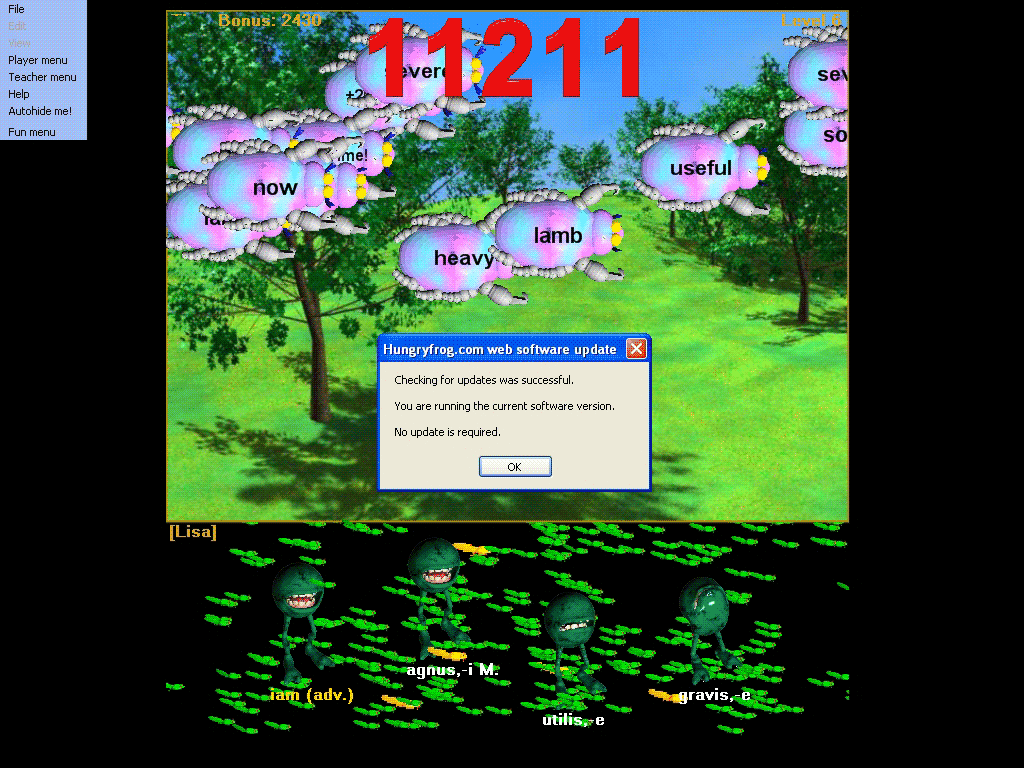
When you run 'Check for Updates' the program automatically connects to the internet and checks to see if the program version is the most up to date. You will be notified what steps to take if the program is not the most up to date version. Usually that will involve downloading an update from the hungryfrog.com website. Some program versions may automatically download updates for you and/or install them automatically.